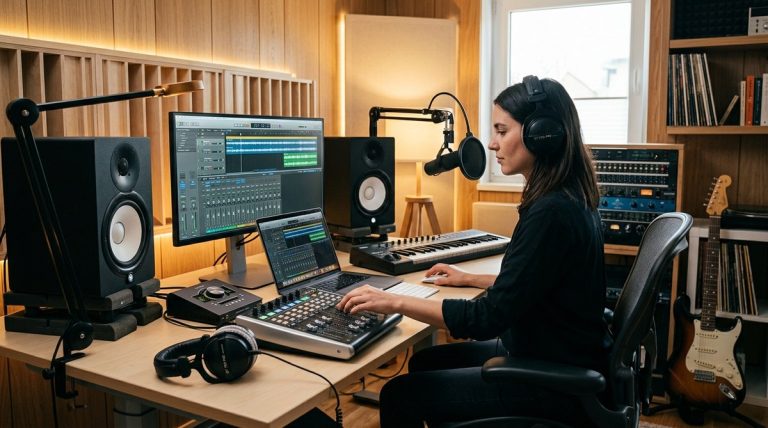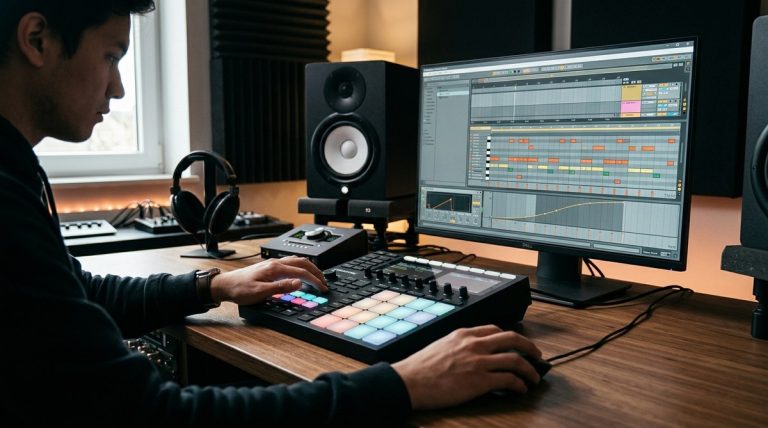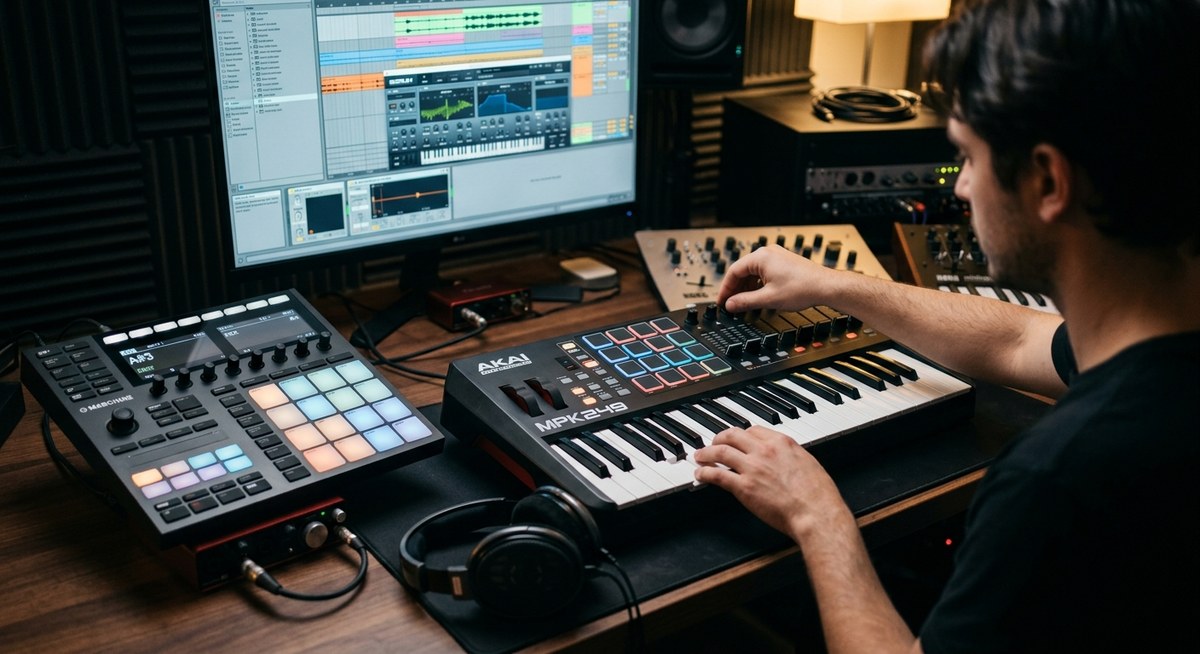
Getting started with MIDI controllers in music production opens up a world of creative possibilities. Whether you’re laying down beats, composing melodies, or controlling your DAW with finesse, the right MIDI controller can make all the difference. These devices serve as the bridge between your musical ideas and the digital realm, giving you hands-on control and inspiring spontaneity. As music technology advances, understanding how to use MIDI controllers effectively becomes essential for both aspiring and professional producers wanting to craft polished, dynamic tracks.
MIDI controllers are vital tools in modern music production, offering hands-on control over sounds and workflows. Choosing the right one and mastering its features can significantly boost your creativity and efficiency in the studio.
Understanding what MIDI controllers bring to music production
A MIDI controller is a device that sends musical data to your computer or hardware to manipulate virtual instruments and effects. Unlike traditional instruments, MIDI controllers do not produce sound on their own. Instead, they act as expressive interfaces that command software or hardware synths, samplers, and DAWs. This separation makes MIDI controllers versatile tools capable of fitting into almost any genre or workflow.
Why MIDI controllers are so influential
Music production today relies heavily on digital tools. MIDI controllers add a tactile dimension that screens and mouse clicks can’t replicate. They enable you to perform, tweak, and shape sounds in real time. For example, a MIDI keyboard allows you to play melodies with velocity-sensitive keys, while pad controllers let you trigger samples or drum hits with expressive dynamics.
The evolution of MIDI controllers
Since their inception in the 1980s, MIDI controllers have evolved from simple keyboard interfaces to complex, multi-functional devices. Modern controllers incorporate features like touch strips, endless rotary knobs, color-coded pads, and built-in screens. This innovation broadens creative options and makes the process more intuitive.
Selecting the right MIDI controller for your setup
Choosing a MIDI controller depends on your goals, budget, and workflow. Here are key factors to consider:
- Number of keys or pads
- Key action and feel
- Connectivity options (USB, MIDI ports)
- Integration with your DAW
- Additional controls like knobs, faders, and buttons
- Portability
Practical steps for choosing a MIDI controller
- List your needs based on your music style.
- Decide on the number of keys or pads required.
- Research compatibility with your DAW.
- Test key feel and responsiveness if possible.
- Set a budget but consider investing in quality for durability.
- Read reviews and watch demos to see controllers in action.
How to integrate a MIDI controller into your workflow
Integration involves setting up your device with your DAW and mapping controls for maximum efficiency. Here’s a practical approach:
- Connect your MIDI controller via USB or MIDI interface.
- Launch your DAW and select your controller as the input device.
- Use your DAW’s MIDI learn function to assign controls.
- Customize mappings for knobs, sliders, and pads.
- Save your setup and test different functions while making music.
Techniques to get the most out of your MIDI controller
Mastering your MIDI controller involves understanding key techniques that enhance your workflow and musical expression.
- Use velocity-sensitive keys to add dynamics.
- Map controls to parameters like filter cutoff, reverb level, or track volume.
- Create custom templates for different projects.
- Experiment with pad modes for drum programming.
- Incorporate modulation and aftertouch for expressive playing.
Common mistakes to avoid
| Technique | Mistake |
|---|---|
| Not mapping controls properly | Wasting time searching for parameters later |
| Overloading your setup | Too many controls can clutter your workflow |
| Ignoring controller calibration | Keys or pads may feel inconsistent |
| Relying solely on visual feedback | Hands-on control improves spontaneity |
Expert advice for getting the most from MIDI controllers
“The key to maximizing your MIDI controller’s potential is to customize it to fit your workflow. Spend time mapping controls to your most-used parameters and practice performing with them. Over time, you’ll notice your productivity and musical expressiveness increase.” — seasoned producer
Practical tips for advanced use
- Use MIDI scripting or software to create complex mappings.
- Incorporate multiple controllers for different tasks.
- Experiment with custom scripts to automate repetitive tasks.
- Keep your controller firmware updated to access new features.
Enhancing your music production with MIDI controllers
Beyond basic control, MIDI controllers can help you craft unique soundscapes and perform live with confidence. For instance, some controllers include built-in arpeggiators, step sequencers, or hardware effects. Integrating these features can add a new dimension to your music.
Synchronization and timing
MIDI controllers can synchronize with external gear and software, ensuring your performances stay tight. Use MIDI clock signals to keep hardware synths and drum machines in sync with your DAW.
Using MIDI controllers for live performance
Portable MIDI controllers enable you to perform live sets with hands-on control over your tracks. Map sections of your song to pads or knobs for real-time remixing and improvisation.
Future trends in MIDI controller technology
As technology advances, expect MIDI controllers to become more intuitive and integrated. Features like wireless connectivity, touch-sensitive surfaces, and AI-assisted mapping are on the horizon. These innovations will further blur the line between hardware and software, offering more fluid control options.
Keep experimenting and shaping your sound
Choosing the right MIDI controller is just the start. The more you experiment with different controls and techniques, the more your creativity will flourish. Don’t hesitate to try new mappings, incorporate different controllers, or develop custom workflows. Your unique sound is waiting to be crafted.
How to make MIDI controllers work for you in the studio
The secret lies in consistent practice and customization. Once you find a setup that feels natural, your workflow becomes smoother, and your music more expressive. Keep exploring new features and stay open to upgrading your gear as your skills grow.
Final thoughts on mastering MIDI controllers
Investing time into understanding your MIDI controller can pay off immensely. These devices are powerful tools that, when used thoughtfully, can transform your music production process. Whether you are creating melodies, controlling effects, or performing live, mastering your MIDI setup unlocks new levels of musical freedom.
Happy producing! Keep experimenting, stay curious, and let your MIDI controller become an extension of your musical self.
About the Author