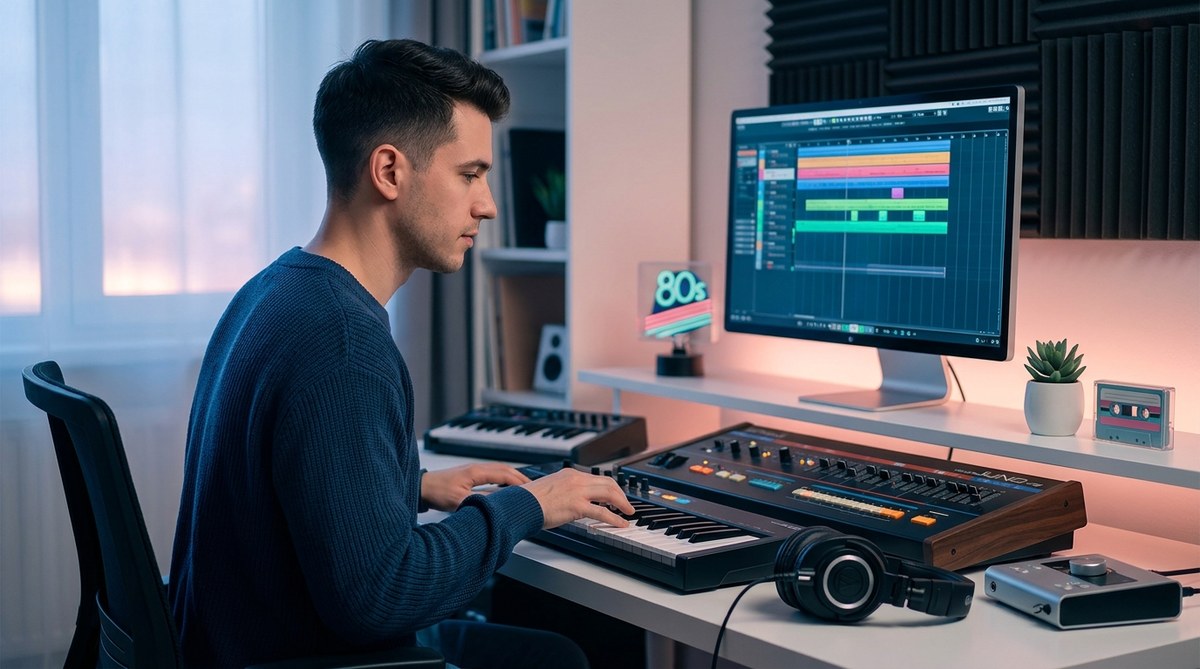
The first time you heard that warm, warbling Rhodes piano slide into a pocket groove with a slapping bassline and a crisp, gated snare, you probably felt like you were driving a convertible through a neon-lit Tokyo night in the 1980s. That feeling is the essence of City Pop. It is lush, nostalgic, and deceptively complex. But here is the truth: you do not need a vintage studio full of analog gear or a plane ticket to Japan to produce it. With the right approach and your existing DAW, you can build an authentic City Pop track from scratch. This guide walks you through every step, from the drum pattern to the final mix.
Producing City Pop is about layering specific vintage sounds: a tight, gated drum groove, a melodic slap bass, warm electric piano or DX7 patches, clean guitar strums, and airy, harmonized vocals. The magic comes from authentic effects processing (chorus, delay, reverb) and careful arrangement that mimics the 80s Japanese pop structure. With modern DAW plugins, you can recreate this sound without breaking the bank.
The Core Ingredients of City Pop Sound
Before you open your DAW, you need to know what makes a City Pop track tick. Think of it as a hybrid between American yacht rock, funk, and Japanese pop sensibility. The tempo usually sits between 100 and 120 BPM. The rhythm section is tight and punchy. The chord progressions are often jazz-influenced, using major seventh, minor seventh, and dominant ninth chords. The production style is clean but warm, with plenty of stereo width and reverb. Here is a breakdown of the essential instruments.
- Drums: A gated snare (think Phil Collins), tight kick, crisp hi hats, and occasional rim shots. The hi hat pattern is often a steady eighth note or a syncopated rhythm.
- Bass: A fretless or slapped bass tone, often played melodically, following the chord roots with passing tones. Use a pick for a brighter attack.
- Keys: Fender Rhodes, Wurlitzer, or Yamaha DX7 are the stars. Layered with a pad string sound for warmth.
- Guitar: Clean, chorused electric guitar chords (often muted strums on the off beats) and a filtered, choppy rhythm part.
- Vocals: Smooth, airy, often with a male or female tenor. Double tracking, harmonizing, and generous reverb are key.
- Percussion: Shaker, cabasa, tambourine, and sparse handclaps to add movement.
Step by Step: Building the Track in Your DAW
Follow these numbered steps to lay down the foundation. I will use generic terms so they apply to any DAW (Ableton, Logic, FL Studio, etc.). Remember to load a tempo of 110 BPM and set the key to a major tonality like D major or E major.
1. Program the Drum Pattern
Start with a simple beat. Use a drum machine plugin like the classic Roland TR 808 or 909, or any sample pack with 80s processed drums. Write a four bar pattern.
- Kick drum: play on beats 1 and 3 (plus a ghost note on the 2nd offbeat for a funk feel).
- Snare: hit on beats 2 and 4. Add a second snare hit a sixteenth note before beat 3 for a Phil Collins gated effect. Use a gated reverb send on the snare.
- Hi hat: closed hat on every eighth note, with occasional open hats on the 2nd and 4th beat.
- Add a rim shot on the 2nd and 4th eighth note of each bar.
Process the drum bus with a compressor (attack 10 ms, release 80 ms) to glue it. Then add a short plate reverb on the snare. This is one of the most important steps to get that 80s vibe.
2. Lay Down the Bass Line
The bass in City Pop is melodic and often plays short, percussive notes. Use a synth bass or a sampled electric bass. A good option is to load a slap bass patch (like the Native Instruments Scarbee series) or a modeled Rhodes bass.
- Play the root notes of your chords, but add chromatic approach notes and octaves.
- Keep it syncopated, hitting on the 1 and the 2nd 16th note.
- Use a bit of chorus and a little compression. Cut lows below 40 Hz to avoid mud.
3. Add the Harmonic Bed: Keys and Pads
Layer two keyboard parts. One with a warm electric piano (Rhodes) playing open voicings of major seventh chords. Another with a soft string pad sustaining long notes.
- Use a chord progression like Dmaj7 – F#m7 – Bm7 – Amaj7 (standard City Pop cadence).
- Apply a stereo chorus on the Rhodes and a large hall reverb on the string pad. Keep the pad volume low so it sits behind the electric piano.
For an authentic 80s feel, use the Yamaha DX7 patch “Digital Piano” or a similar FM epiano. Modern plugins like Arturia DX7 V or Korg Triton emulations work great.
4. Record the Guitar Parts
City Pop guitar is clean, often with a pick, and uses a lot of chorus and slapback delay. Record two takes: one for chord strums and one for a muted rhythm part.
- For strums, play the chord changes on the 2nd and 4th beats (off beat). Mute the strings between strums.
- For the muted rhythm, play a single note pattern using the fifth fret, with a palm mute. Run it through an analog chorus pedal emulation.
- Use a DI signal with a slight amp sim (clean Fender Twin) and add a short delay (180 ms, feedback low).
5. Build the Arrangement
City Pop songs often follow a standard structure: intro, verse, pre chorus, chorus, bridge, chorus, outro. Keep the verses sparse with only drums, bass, and keys. Add the guitar and pads in the pre chorus. Bring in the full arrangement for the chorus.
Here is a typical song map:
- Intro (4 bars): drums only, with filtered hats.
- Verse A (8 bars): drums + bass + keys.
- Verse B (8 bars): add electric piano.
- Pre Chorus (4 bars): add guitar and string pad.
- Chorus (8 bars): full arrangement: all instruments plus backing vocals.
- Bridge (8 bars): reduce to bass and keys, then build up again.
- Outro (8 bars): fade out with drums and bass.
Use volume automation to create dynamic swells and drops.
6. Program the Vocals
If you are recording vocals, aim for a soft, intimate tone. Double track the main vocal line (two takes panned hard left and right). Add a third take for harmonies (3rds and 5ths). Apply a generous reverb (hall or plate) with a pre delay of 30 ms. Use a touch of chorus on the double track.
If you cannot record vocals, use a synth pad or a vocoder part that sings the melody. The 80s Japanese pop often used the Roland VP 330 vocoder for that effect. You can emulate it with a vocoder plugin.
7. Mix with Vintage Processing
The mix should be warm and slightly compressed. Use an analog modeled EQ (like Pultec emulation) to boost the upper mids (3 5 kHz) for presence, and gently cut the 500 Hz area to reduce mud. Use a multiband compressor on the master bus with a gentle ratio (1.5:1) and medium attack. Add tape saturation to soften the transients and glue the mix.
Common Mistakes and How to Fix Them
Here is a table comparing typical errors and the right technique.
| Mistake | Symptom | How to Fix |
|---|---|---|
| Drums too dry | Lacks 80s gated reverb sound | Add a gated plate reverb on snare, use a reverb bus with high decay and noise gate |
| Bass too muddy | Overlaps kick drum, no clarity | Low cut bass at 40 Hz, sidechain compress from kick, use a high pass on bass at 80 Hz for fretless |
| Keys too thin | No warmth, sounds like a cheap synth | Layer a Rhodes with a string pad, add chorus and a little analog distortion |
| Guitar too bright | Harsh, brittle sound | Low pass at 10 kHz, use a compressor with slow attack to tame transients, add analog tape emulation |
| Vocals too forward | Sits on top of the mix, not inside | Lower volume by 2 3 dB, add more reverb, use a subtle delay to push it back |
| Arrangement too busy | All instruments playing all the time | Use the arrangement map above, drop instruments in verse, add parts in chorus |
A Real World Example: Analyzing a Classic
Let us take a quick look at “Stay With Me” by Miki Matsubara (1979). The drum pattern uses a gated snare and a four on the floor kick with syncopated hi hats. The bass plays a melodic line that outlines the chords. The keys are a Rhodes comping with a very small amount of chorus. The guitar strums an offbeat pattern with a clean chorus effect. The vocals are double tracked and sit in a medium reverb. Notice how the arrangement strips down in the verse and adds layers in the chorus. This is the blueprint.
Producer Tip: Do not try to copy the exact chords of a classic. Instead, capture the feel. Write your own progression using Dmaj7, Em7, F#m7, G#m7b5, and Amaj7. That jazz flavor is the heart of City Pop.
Gear and Plugin Recommendations for 2026 You Can Actually Use
You do not need a hardware collector room. Here is a bullet list of affordable (or free) options that will get you there.
- DAW: Any modern DAW works. Learn to use its stock effects first.
- Drum sounds: Use the free “808 Samples” pack or the “City Pop Drums” kit from Splice.
- Bass: Try “Ample Bass P Lite” (free) for realistic fretless. Or use a subtractive synth with a low pass filter.
- Keys: Arturia V Collection (Rhodes, DX7) or the free “Dexed” plugin (FM piano).
- Guitar: Use “Shreddage 3” for clean electric, or record your own with a Boss CE 2 chorus pedal emulation.
- Reverb: Valhalla VintageVerb (set to “Large Hall” and a long decay).
- Compression: Use the free “Analog Obsession” compressors (like “FETish” for drum bus).
- Tape saturation: Pick up “Chow Tape Model” (free) for that warm 80s tone.
For more detailed gear advice, check out our article on top music gear trends every producer should know in 2026. If you want to understand how genre blending helps shape your unique sound, read the art of genre blending: creating your own signature sound in 2026.
Bringing the 80s into Your Home Studio
Producing city pop is not about perfection. It is about capturing a mood: a summer evening, a long drive under streetlights, a strange nostalgia for a time you never lived. The real secret is confidence in your arrangement. Trust the gated snare. Trust the slap bass. Keep your mix warm, not loud. And most of all, let the song breathe.
Now open your DAW. Set the tempo to 110. Lay down a Dmaj7 chord on the electric piano and loop it. Add that simple drum pattern. Before you know it, you will be writing your own tribute to the golden era of Japanese pop. If you get stuck, revisit this guide. The notes are here. The rest is taste.
About the Author
